In the first two parts, I described how I prepared the on-premise cluster and how I configured HCX for network extension. In this final post, I arrive at the core part of the project: the actual migration, the cutover, and the final validation.
This is the phase where everything you built beforehand is put to the test. The good news is that if the preparation was done right, this part is much less dramatic than expected.
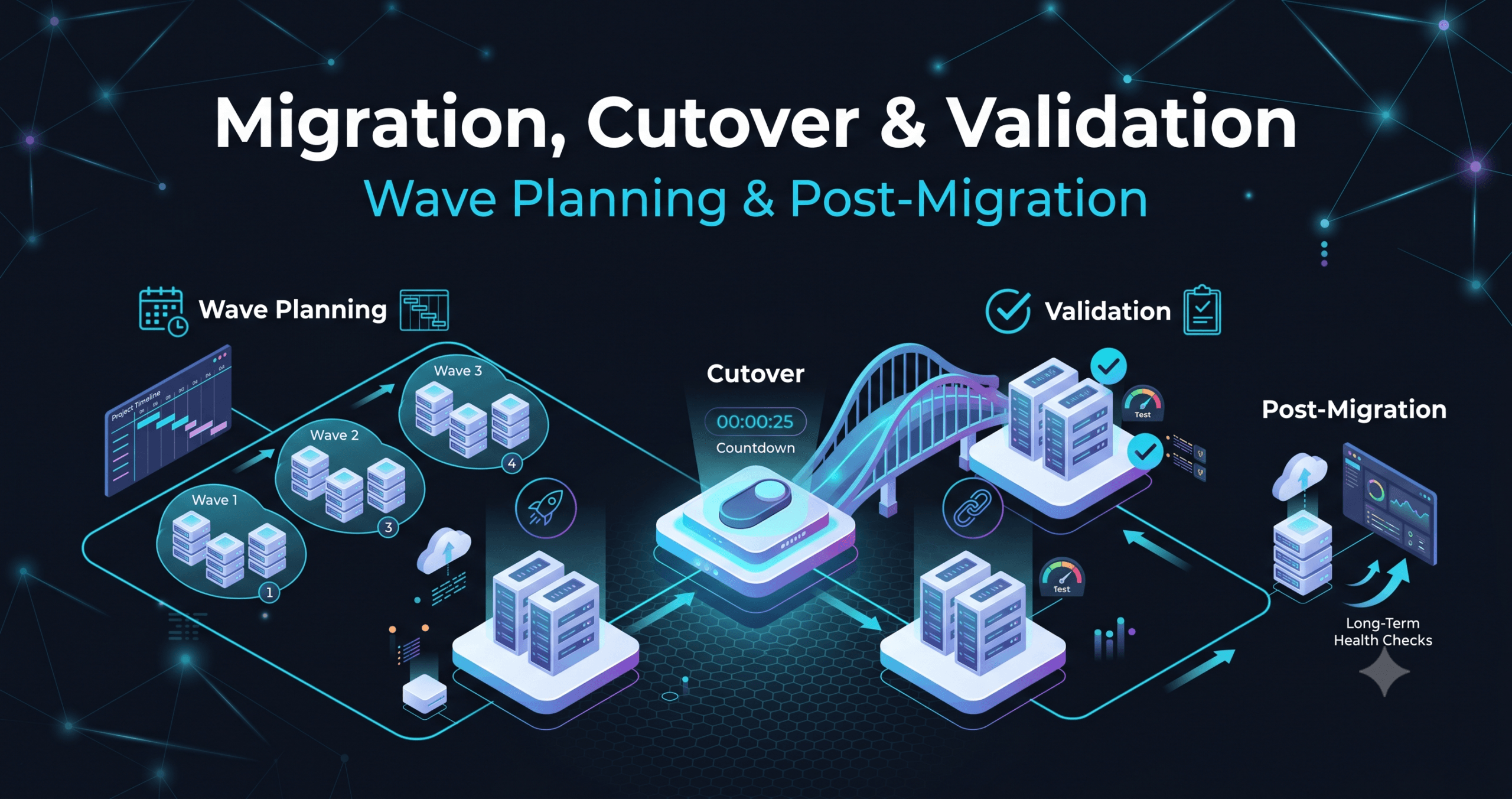
Wave Planning
With a 5-node cluster and a significant number of workloads to move, a single big bang migration was not an option. I structured the work into three progressive waves, each with a specific objective.
- Wave 1 included test VMs and non critical workloads. The goal wasn’t really to move heavy traffic, but to validate the technical path end to end: HCX worked as expected, workloads arrived on the correct NSX segments, and Avi successfully registered the new backends.
- Wave 2 involved application workloads with controlled dependencies. Here, I used HCX live vMotion migration to move VMs without maintenance windows. The network extension ensured that IP addresses remained unchanged, so component to component dependencies stayed intact throughout the move.
- Wave 3 covered the most delicate systems. By this point, I had already validated the process twice, and confidence in the infrastructure was high. I scheduled a small maintenance window as a precaution, but the cutover went off without a hitch.
The Role of Avi During the Migration
VMware Avi played a vital role throughout the waves. As VMs were migrated, the backend pools of the Virtual Services were updated to point to the new on-premise instances.
The advantage of Avi in this context is the simplicity with which it handles changes: you can add and remove members from a pool granularly, and continuous health checks ensure that traffic is never directed toward instances that aren’t operational yet. During the migration, this meant managing a gradual transition with zero visible downtime for users.
Cutover and Network Extension Detach
The moment for the definitive cutover arrived after the third wave. At that point, all workloads were on-premise, and the HCX network extension was no longer needed. Detaching is a delicate operation because it severs the L2 bridge between the two sites afterwards, on-premise VMs can no longer communicate with AWS through the extended subnet.
I handled this phase as follows:
- Verification that all VMs were stably settled on the on-premise NSX segments.
- Updating DNS records for publicly exposed services.
- Checking Virtual Services on Avi to confirm that pools pointed exclusively to on-premise backends.
- Detaching the network extension from the HCX Manager.
- Active monitoring for 30 minutes post-cutover.
Everything went smoothly. DNS was updated, Avi distributed traffic correctly, and NSX managed internal routing without issues.
Post Migration Validation
Final validation covered three tiers:
- Network: Connectivity between NSX segments, external routing, active distributed firewall rules.
- Load Balancing: All Virtual Services on Avi green, health checks passed, traffic distributed correctly.
- Application: End to end functional tests on every migrated workload, comparing response times against the initial AWS environment.
The final outcome was positive across all three fronts. In fact, performance improved on certain workloads, likely due to reduced internal latency achieved with a well sized on-premise cluster.
Final Lessons: If I had to repeat this project, I would make the exact same choices. HCX, NSX, and Avi integrate well together and cohesively cover the three phases of such a project: transport, networking, and service publishing. The only thing I would add is even more time dedicated to network preparation phase. It’s not about technical complexity, but clarity: knowing precisely which subnets to extend, which to migrate, and which to recreate from scratch is the prerequisite for everything else.
I hope this series has been helpful.